Your next sale.
In your pocket.
Great conversations don’t wait for you to get back to your desk. Reply to leads and keep things moving, wherever the day takes you.


Sign in with your existing Ellipsend account.
Take a closer look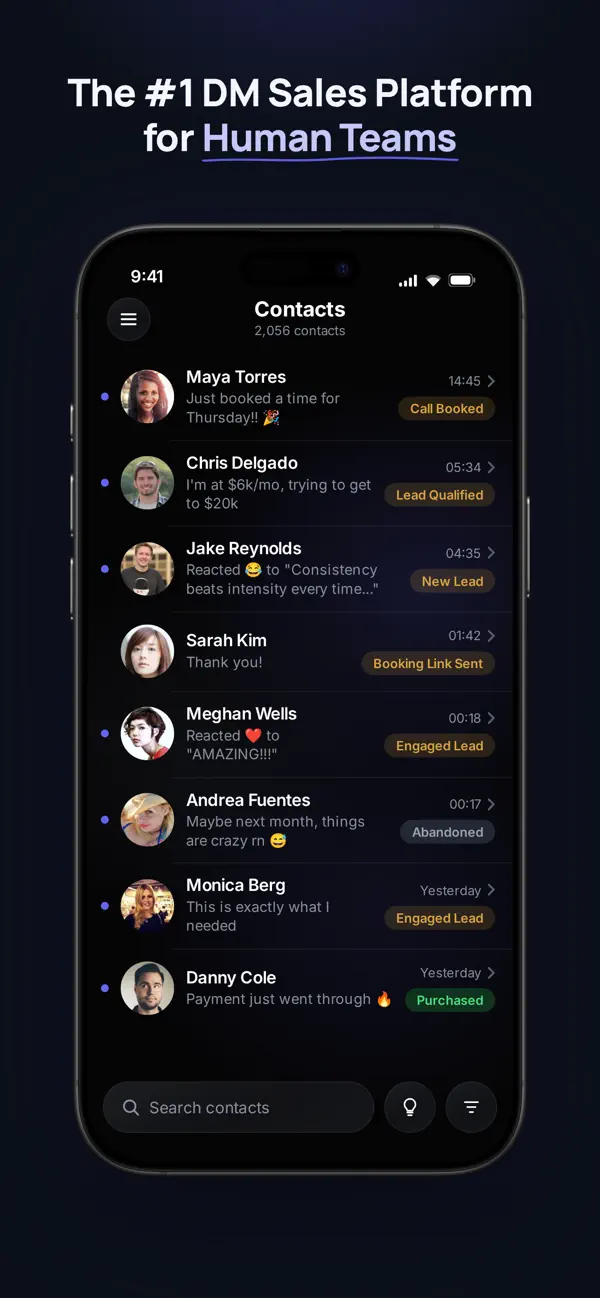
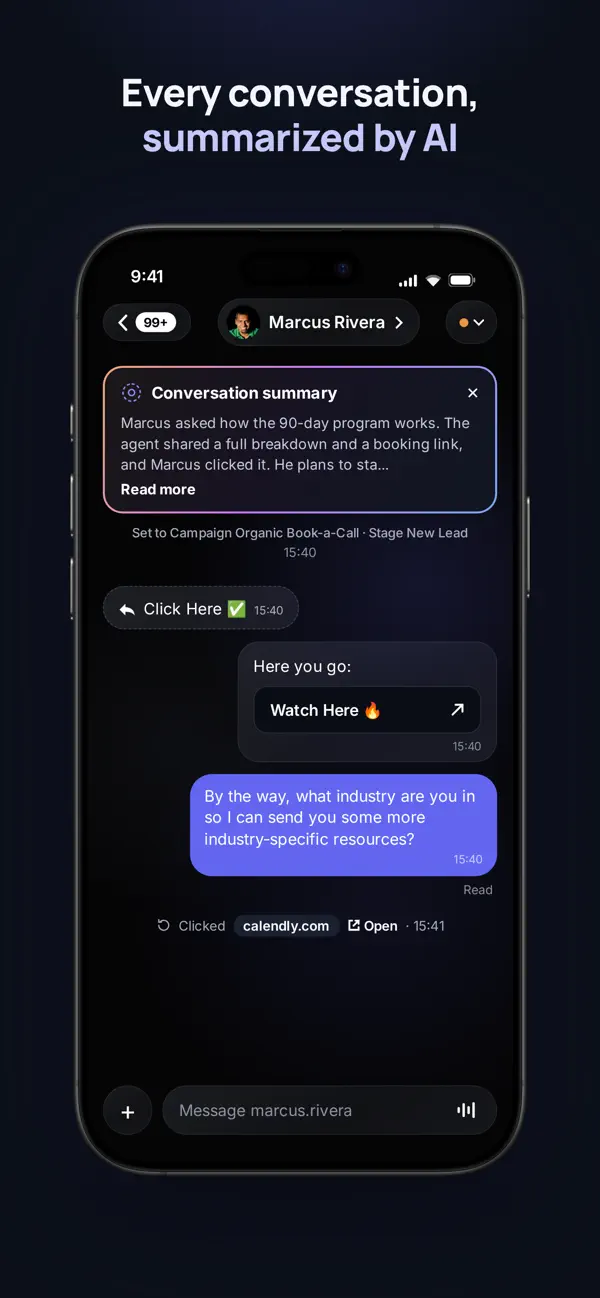
A look inside the iPhone app. Also available on Android.
Same conversations. Same team.
A little more freedom.
The right conversation.
Right at your fingertips.
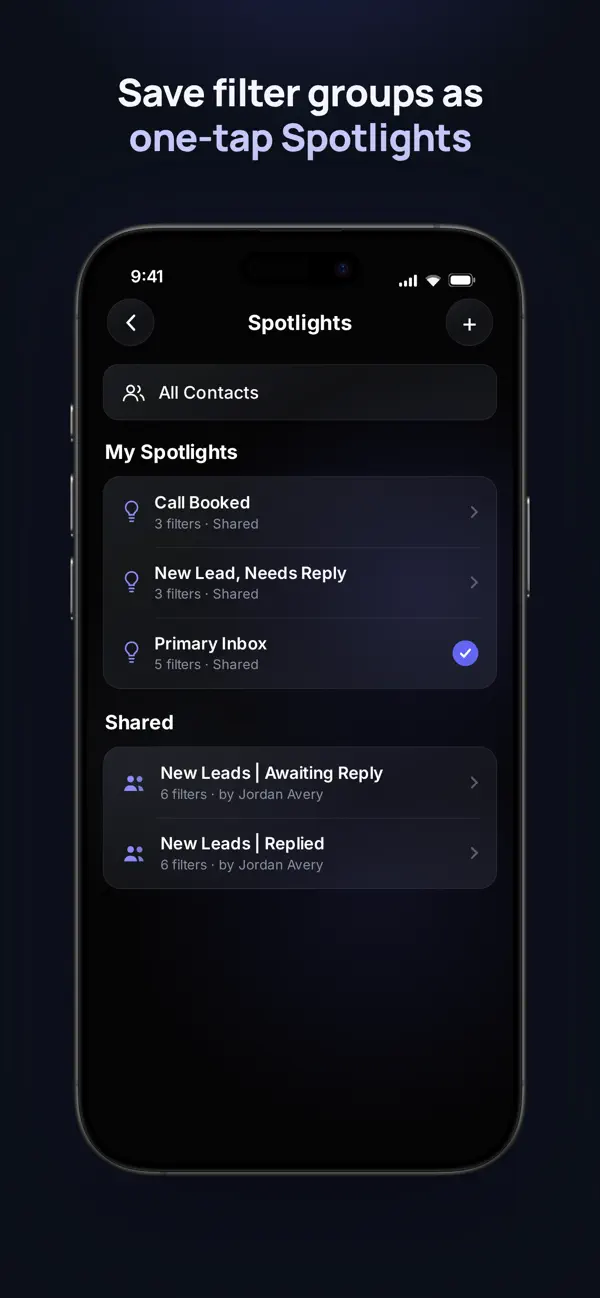
Pick up where you left off. Search your contacts or open a Spotlight to get straight to the leads that need you.
One tap to your priorities
Keep your go-to filtered views close with personal and shared Spotlights.
A clear next step
See each contact’s stage alongside the conversation, so you know where things stand.
Walk into every reply
already caught up.
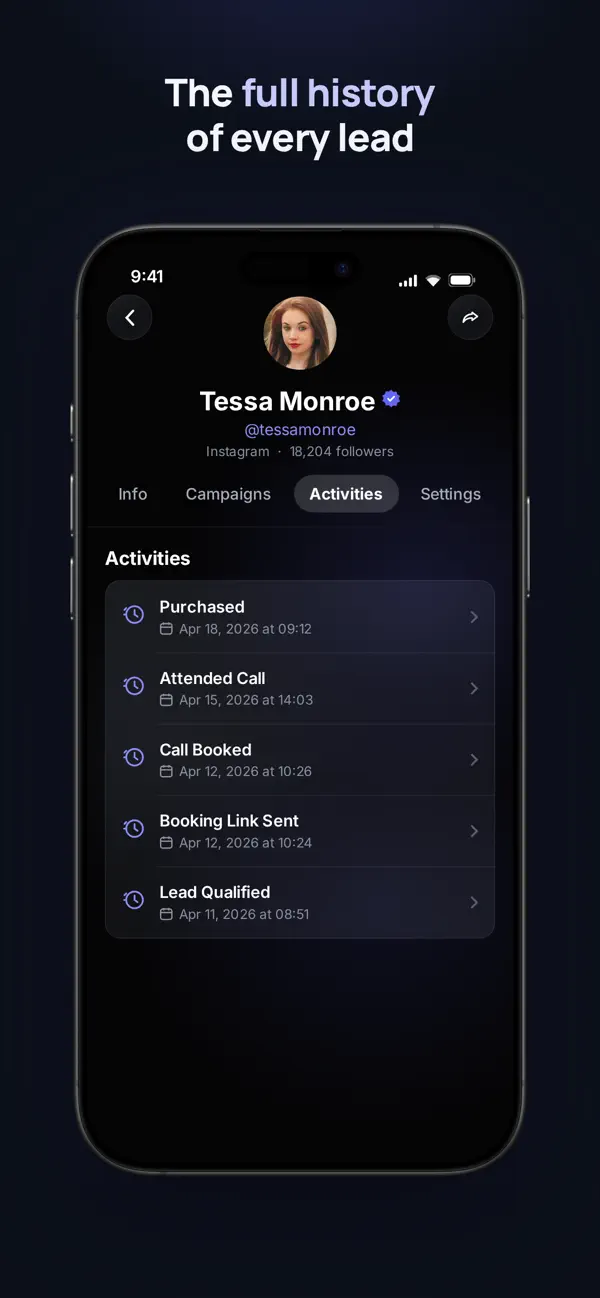
There’s more to a lead than their last message. Bring their conversation, contact details, and activity history with you.
See the whole journey
Check past activities and campaign details before deciding what comes next.
Catch up with a summary
Get a concise conversation recap with on-device AI on supported iPhones.
Your voice.
Your way to reply.
A quick message, a voice note, or a saved response. Stay in the conversation without opening your laptop.
Take your inbox with you.
Your next conversation is already waiting.
An active Ellipsend account and organization are required.
Features and connected channels depend on your plan, device, and configuration.